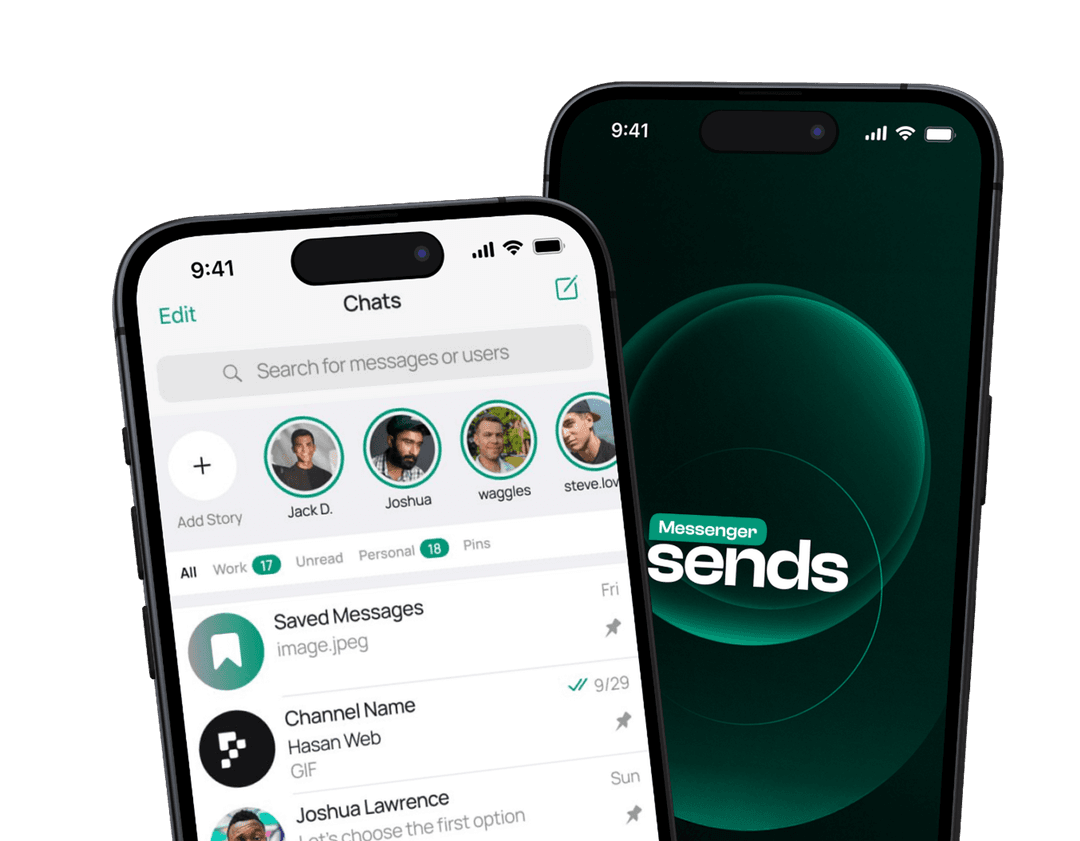
Get SMS directly in your eSends account
Receive messages and verification codes — without using your real phone number. No SIM card. No personal number. Start with one free Virtual Number.
An eSends Virtual Number is a digital number created to receive SMS messages from online services. It’s not a traditional phone number and doesn’t require a SIM card. Instead of using your personal mobile number, all incoming messages are delivered directly to your eSends account.

No available numbers

Virtual Numbers are intended exclusively for receiving SMS messages. They can be set up in just a few minutes and are not designed to support other services.
Their purpose is simple: to receive messages without using your real phone number.
Virtual Numbers protect your privacy and are ideal for verifications and one-time codes.
Create an eSends account
Register once to access Virtual Numbers and eSIM. Manage your connectivity, SMS, and data plans in one secure account.
Get your free Virtual Number
After signup, your first Virtual Number is created automatically
Use it for registration
Enter your Virtual Number when signing up for any supported service
Receive SMS inside eSends
All messages arrive in your dashboard in real time. No SIM cards. No extra devices.
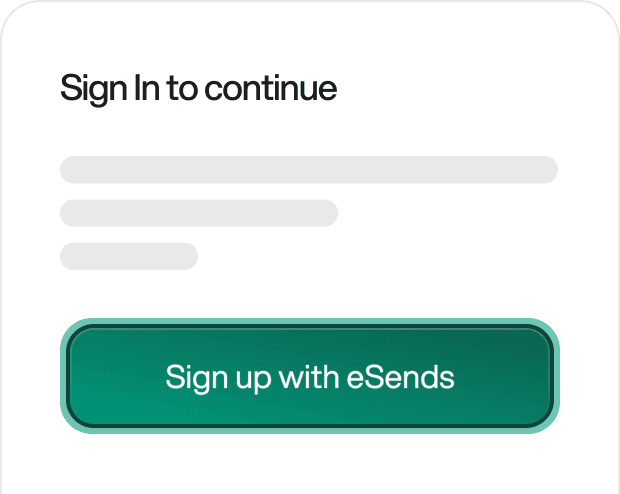
Sign up and access your personal dashboard
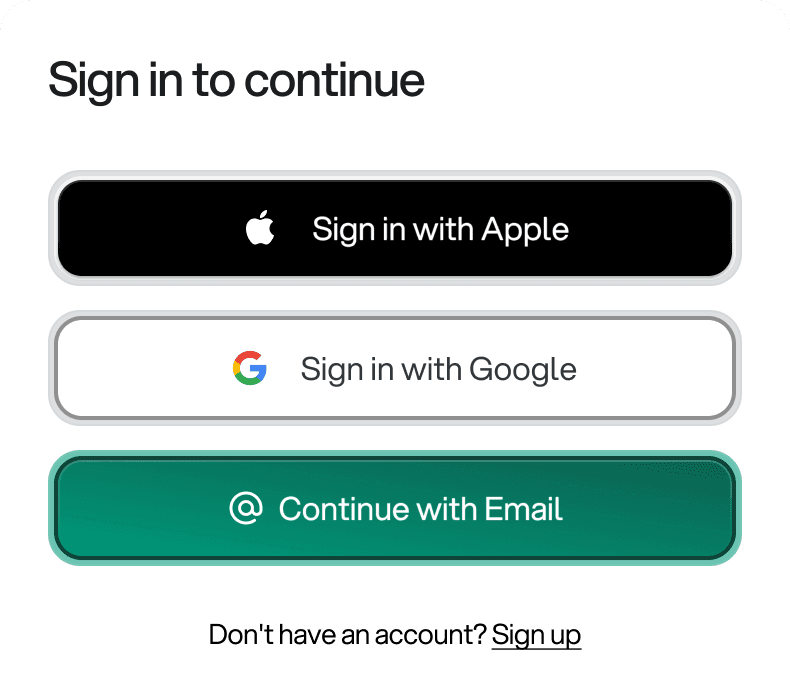
Your free Virtual Number is already waiting for you
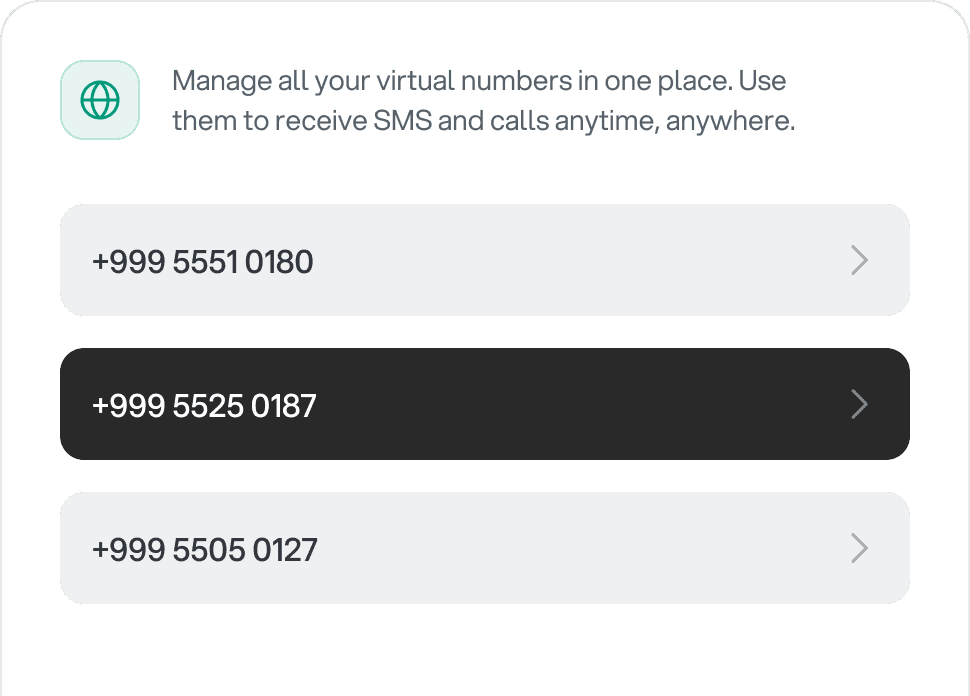
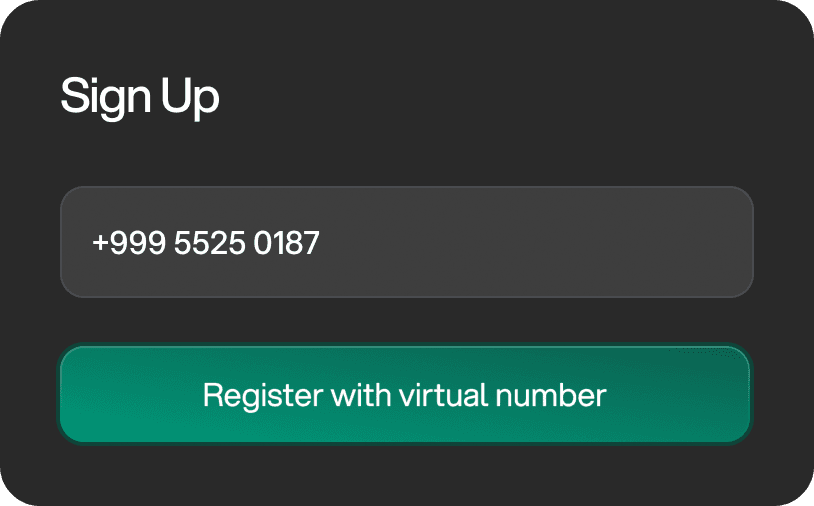
Paste the number during registration instead of your personal phone number
Return to your dashboard and view incoming messages instantly
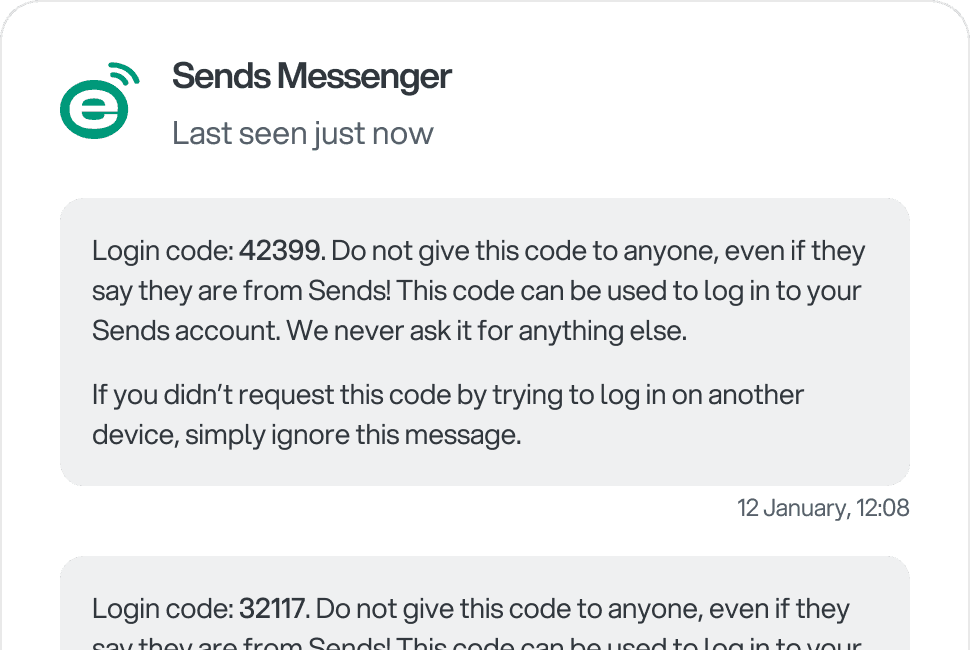
Here’s a real-world example of how Virtual Numbers can be used


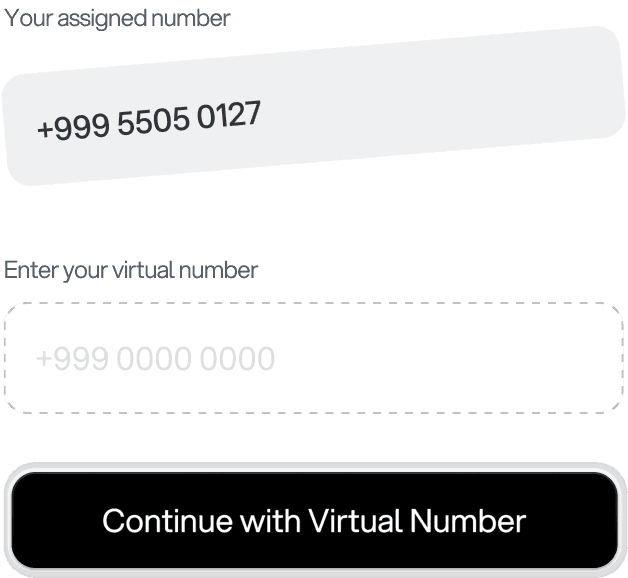
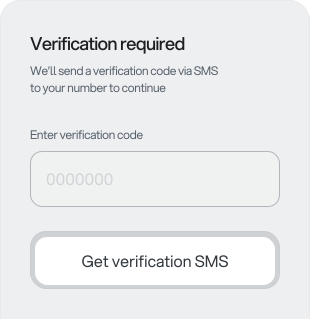
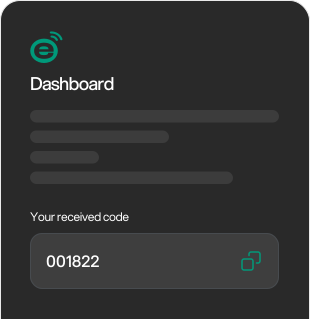
Your Virtual Number acts as your SMS inbox — keeping your real phone number private.
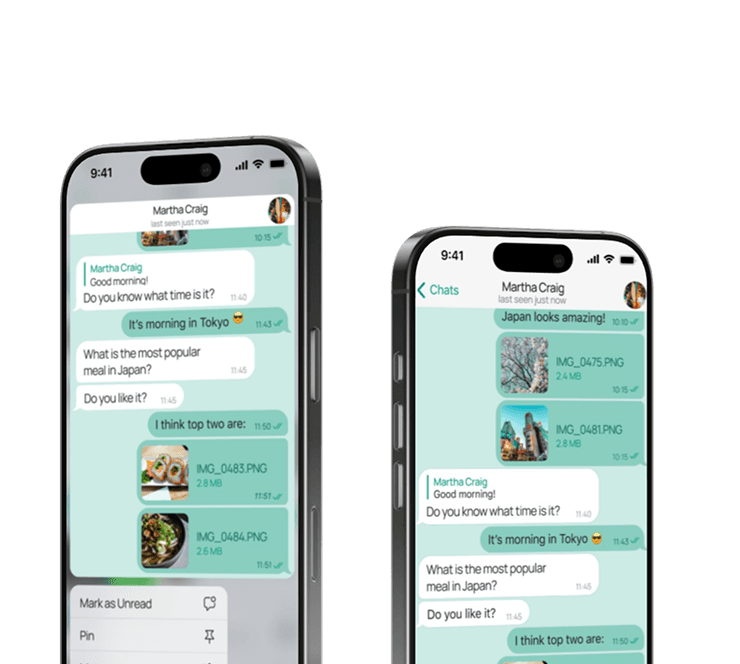
Secure your communications with encryption technologies